
Main page /
Questions & Answers / How can I get an invoice for the executed transfer?
How can I get an invoice for the executed transfer?
Important! The invoice is only available for completed transfers.
To receive an invoice for the ompleted transfer service, you need to:
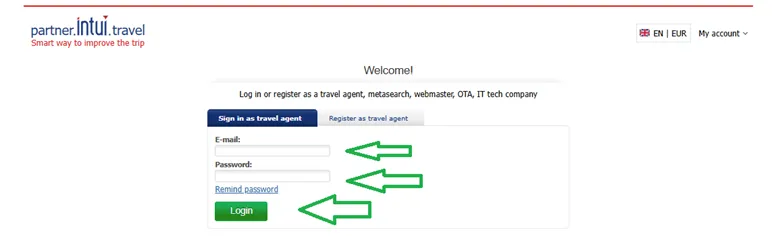
1. Log in to your partner’s personal account at https://partner.intui.travel/en/info/
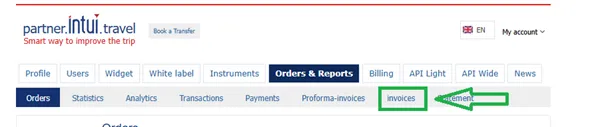
2. Click on the tab "Orders and Reports" and then press the “invoices” tab.
Or press this link to get there: https://partner.intui.travel/en/invoices/
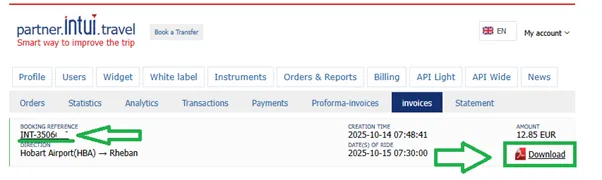
3. Search the order with booking reference INT - . After that press the “Download” button on the right side.
Related questions:
How to log in to my account?


